Converted to new names.
 Bug.
 Doesn't work yet - fix to S.
|
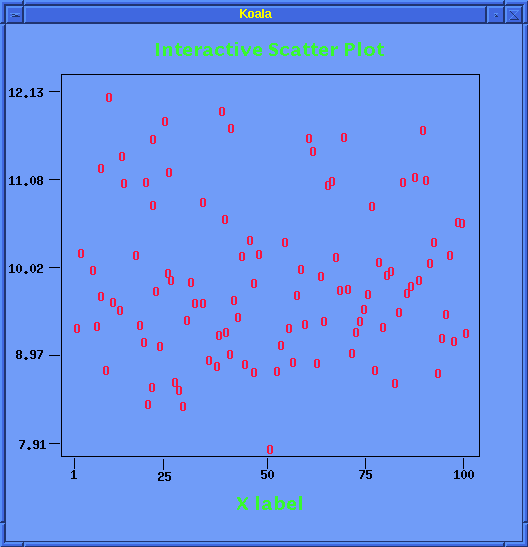
Kplot.s
| an interactive scatter plot in which the user
can currently move any of the points or axes labels and tick marks
by dragging with the middle mouse button. Resizing is possible
with the third mouse button.
Sample View.
|
|
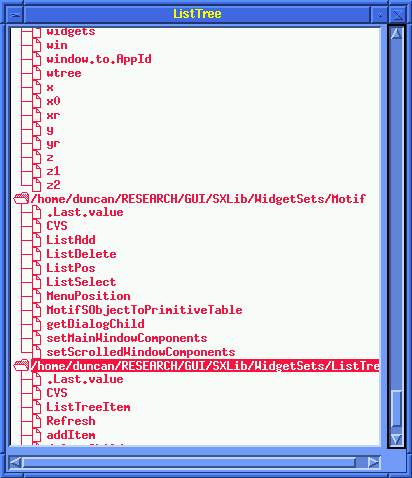
ListTree.s |
creates an interactive ListTree with the
elements of the search path. The user
can open these toplevel nodes to see the
objects in that chapter.
This can be extended to handle operations
on the objects and popup menus etc. on Btn3
Requires that the scroll window resources be set
at creation via resource files.
Sample view.
|
|---|
|
Tabs.s |
tabbed window with the search() path elements as the tabs.
|
|---|
| Tmp.s |
function (f1) to create trivial application with a drawing
area widget and set the background color. |
|---|
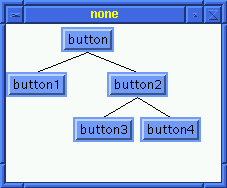
| Tree.s |
displays a very simple tree to illustrate the Xaw Tree widget.
sample view |
|---|
| app.s |
tests callbacks. |
|---|
| app1.s |
tests the callback mechanism |
|---|
| bar.s |
gives a toolbar with a variety of different images.
Have to check the callbacks.

|
|---|
| btn.s |
two sets of buttons in different containers |
|---|
| btn1.s |
simpler version of btn.s |
|---|
| class_graph.s |
like xhdg.s below but the contents of the graph
are the inheritance relationships between all the
classes defined in this chapter.
This is a little confusing but shows how a dynamic
graphical display can be easily created to aid in many tasks.
Sample view
|
|---|
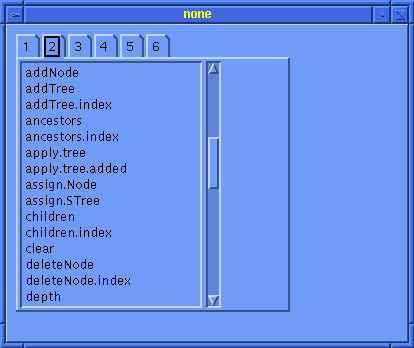
| compgen_tabs.s |
displays the search path elements as a tabbed list
with each tab connected to a scrolled list of the objects
in that chapter/database.
Also shows tool tip for each chapter number as the chapter path
and name. Move the cursor over the tab button.
Sample View
|
| db.s |
tests the X database functions. This
creates an S database from the display of an application
and adds a new resource to it. Then it writes the
the entire database to a file. The test is to see if newcache
was inserted into that file. Hopefully there is no other
version of newcache around. If there is this should overwrite it
anyway.
The output of a grep command for the resource is printed to the
output. Next the database file is read in as another database
and the value queried. Then that value is modified in the
new database (from the file) and the two databases are queried
independently and return different answers.
Then, the new database is merged with the old one and
the resource queried again from the single remaining database.
A final check is to query a resource that doesn't exist (we
hope).
We add another check for Databases created from resources
These are regular databases and we do a merge on the display
database and the newly create Resource Database.
We add a new resource to this database.
We test this newly merged database by extracting values
from it and guess which ones - the one we created it with
and one that wasn't in there before.
The output is displayed here.
Need to put the validity mechanism in for databases and check
this again.
|
|---|
| dbTest.s |
tests the merging of two database. |
|---|
| dev.s |
problem with GC now fixed. |
|---|
|
sliding_devices.s |
problem with paned window in that the first two entries
don't get the correct size and then don't recompute their size
correctly. |
|---|
|
Needs GCGetValues to work
which needs the coerce fix.
draw-start.s |
tests pixmaps and copying them to the draw area.
We create an internal pixmap and an image pixmap.
Then we create a GC and draw into the internal pixmap
We copy the internal pixmap into the drawing area and
then the image pixmap.
This is the basic idea behind double buffering.
|
|---|
| draw.s |
same as gc.s but not quite as much stuff in there. |
|---|
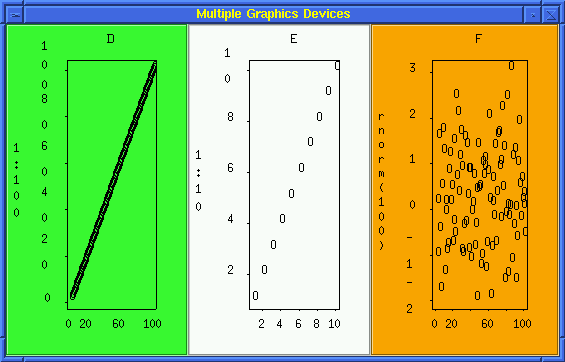
| dual_dev.s |
(Problem with
hash table)
three graphics devices displayed in a single window.
These are independent widgets each supporting its own
graphics device.
Sample view.
|
|---|
| gc.s |
test of the graphics context functions.
Creates a gc and changes it and draws some objects.
|
|---|
| hello.s |
a very simple application with just one button. |
|---|
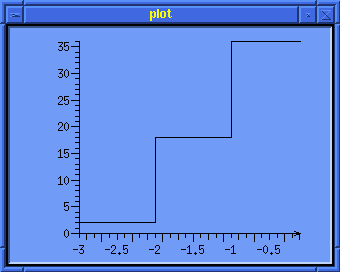
| hist.s |
a histogram that looks like a simple step function with
draggable axes.
This is from the Plot widget set.
Sample view |
|---|
| html.s |
an html file displayed in the HTML widget. No callbacks. |
|---|
| label.s |
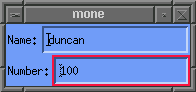
a name and number text field entry
sample view |
|---|
| lines.s |
draws simple patterns on a window to illustrate the
drawing primitives. Then clears them
and draws some more. The second view
uses an XOR gc and draws a polygon that it redraws to remove
it after 5 seconds.
Sample views.
|
|---|
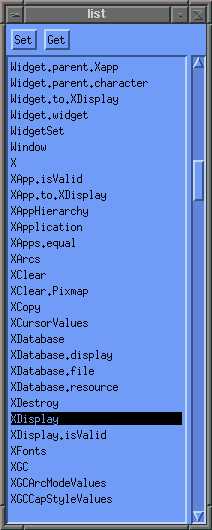
| list.s |
simple scrolled list widget with a few entries |
|---|
| list1.s |
scrolled list with muiple selection and contents retrieved
from the objects of the first database on the search path.
This can be used to invoke commands such as remove, copy, etc.
in a GUI |
|---|
| list2-script.s |
a toplevel script rather than insulated function version of
list2.s below.
|
|---|
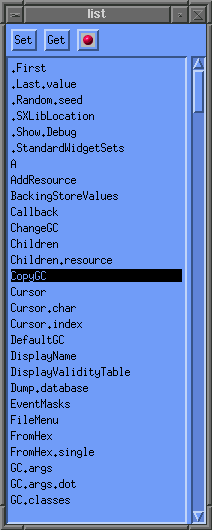
| list2.s |
extension of list1.s but with buttons in an extra widget
container.
Sample
|
|---|
|
list3.s |
same as list2.s but with an image button as an exta component.
Sample
|
|---|
|
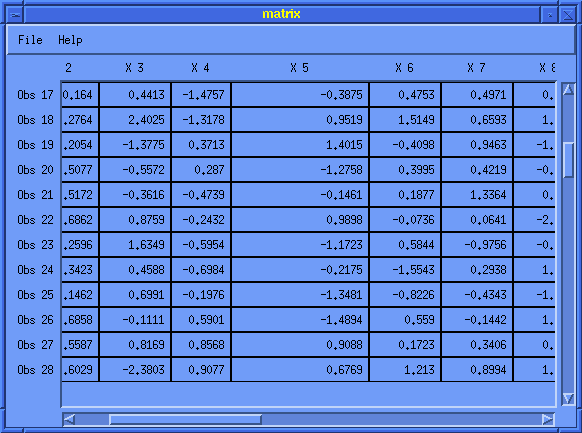
matrix.s |
Here is a sample output.
|
|---|
|
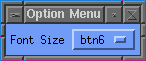
optionMenu.s |
an option menu and label string describing it.
Sample
|
|---|
| paned_dev.s |
3 paned devices. Error in X_Application hash table.
|
|---|
|
plot3D.s |
3D rotatable and draggable axis plot of random normal
data. |
|---|
|
popup.s |
doesn't work and has to be killed remotely (i.e. on a
connected machine) since it
invokes a server grab
|
|---|
| prompt.S |
classes for a prompt composite widget created at the S level. |
|---|
|
res.s |
simple test of setting resources on a PushButton widget. |
|---|
|
res1.s |
sets and retrieves resources on a button widget. |
|---|
| resclass.s |
gets all the resource classes for all the Standard Widget Sets |
|---|
|
resources.s |
list widget and image buttons (same as list3.s)
for which we set
several resources and then retrieve
some of them to ensure that both the setting and
retrieval of the resources work.
the resources. |
|---|
| scroll.s |
scrolled drawing area window with a pair of lines
drawn. Scrolling doesn't work!
|
|---|
|
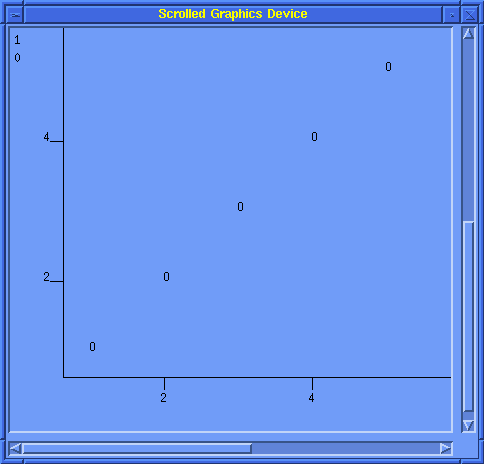
scroll_dev.s |
a scrollable graphics device in a window.
Sample view
|
|---|
| simple-validity.s |
simple script for beginning of the S side validity tables.
|
|---|
| simple.s |
simple one button app that illustrates the XmString
multi-font converter and also the assignment to the
widget/application
frame.
|
|---|
|
simple_dev.s |
simplest version of making a widget a graphics device.
|
|---|
|
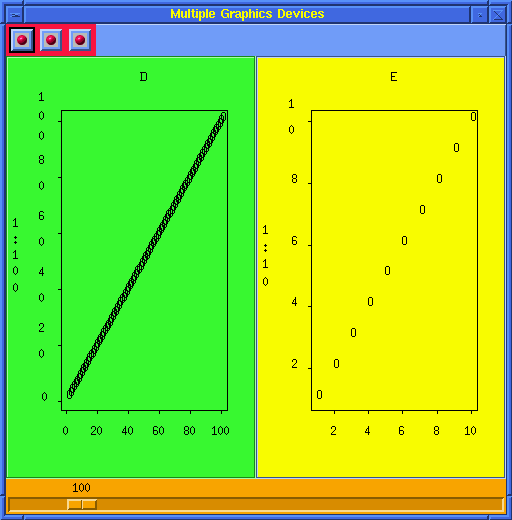
slider_dev.s |
A main window with an image toolbar and 2 graphics device widgets.
Also a slider is located at the bottom of the window
and is used to control the displays in the graphics devices.
Sample view
|
|---|
|
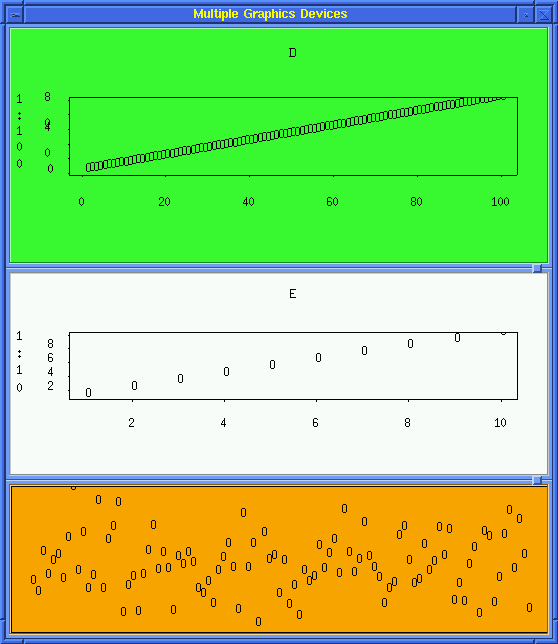
sliding_devices.s |
A paned window with 3 graphics devices.
These are resizable (vertically) independently.
Sample view
|
|---|
| tmp.s |
simple example of push button and different types of callbacks. |
|---|
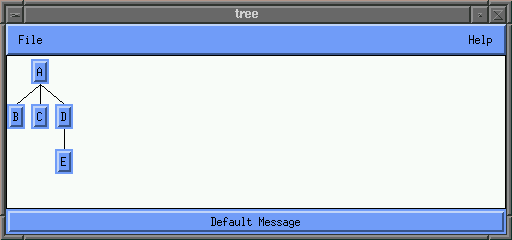
| tree.s |
a main window with menubar and message bar
and the Xaw Tree widget as the work area.
A simple tree is displayed.
Sample view
|
|---|
| tst.s |
the Hello world program for S GUIs |
|---|
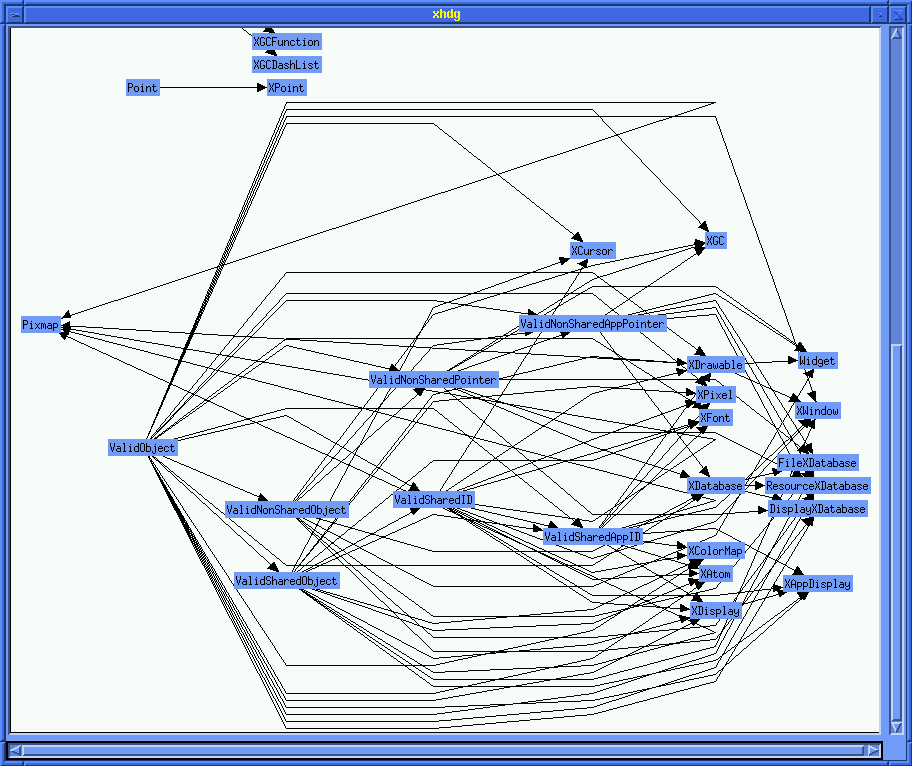
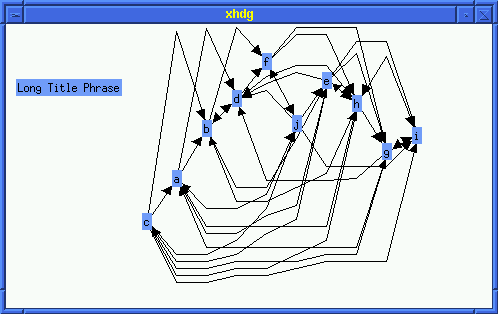
| xhdg.s |
this is a simple and non-picuresque test of the Xhdg
graphing widget. It creates an incidence matrix randomly
and connects the nodes based on this matrix.
In general, graphs could be better layed out with some
consideration.
sample output |
|---|
 xpm.s |
creates a button with a pixmap as the image
for this button. Uses setResource and the
Make sure the image is in the location we
are searching.
|
|---|
Duncan Temple Lang<duncan@stat.Berkeley.EDU>
Last modified: Thu Nov 20 13:51:09 EST 1997