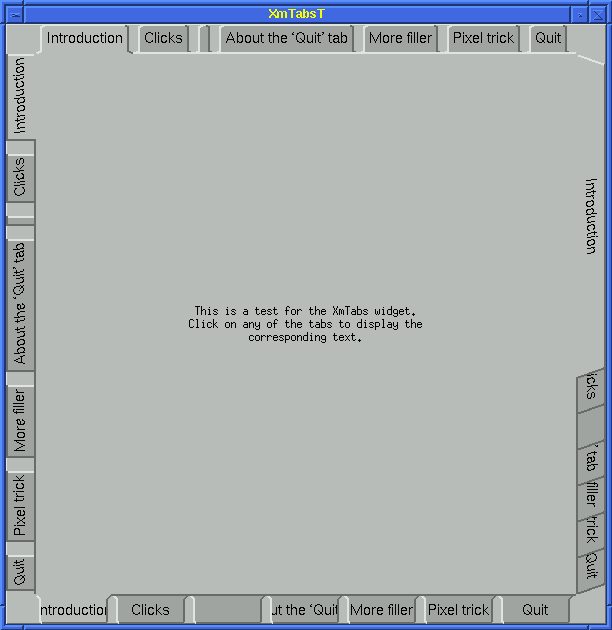
The user can click on any of the tabs to display the corresponding widgets that are stacked on top of each other. This saves the need for having multiple windows, although the tabs do not eliminate this possibility. Note that not all the tab groups are displayed. This is simply a demonstration of the different styles that are possible. In general, only one group will be displayed but in any of the 4 positions. Note also that the text is rotated 90° when the tab group runs vertically.
This widget might present a convenient interface to the/an 1 S search path. Each component of the search path is a database and can be displayed in whatever manner is appropriate within a widget (e.g. a sorted HTML list of icons describing the class of object and the object's name, or as a table of names and icons). The user could examine the contents of each component easily by selecting the relevant tab which contains the components name. The window could be split to allow viewing multiple components and allow moving of objects using Drag-and-Drop.
bert@let.rug.nl